

Quickstart
This guide takes you from zero to a paid test invoice in the sandbox. You will create an invoice through the API, pay it without sending any crypto, and receive the invoice.statusChanged webhook on your server.
You need a sandbox Cryptonly Merchant Dashboard account and an HTTPS endpoint that can receive webhooks. For local development, expose your server with a tunnel such as ngrok or Cloudflare Tunnel.
1. Get your credentials
Section titled “1. Get your credentials”- Log in to the sandbox Cryptonly Merchant Dashboard. No account yet? Create one.
- Go to Accounts, select the account, and open its Settings → Security tab.
- Create an API key with the invoices scope. The key is bound to this account, so you never pass an account ID in requests. The secret is shown only once. See Authorization.
- On the same page, rotate the Webhook signing key and copy it. You will use it to verify webhooks.
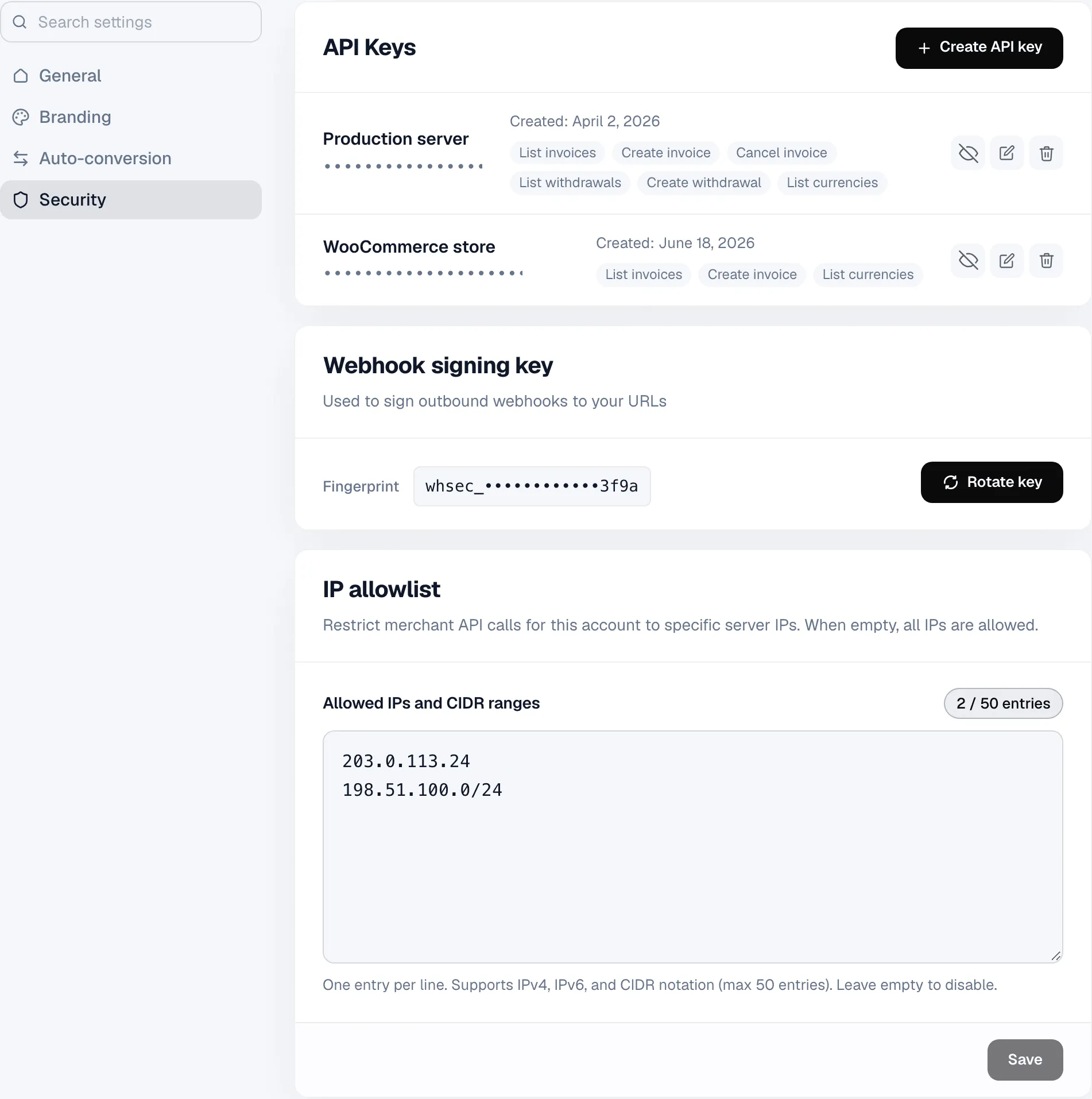
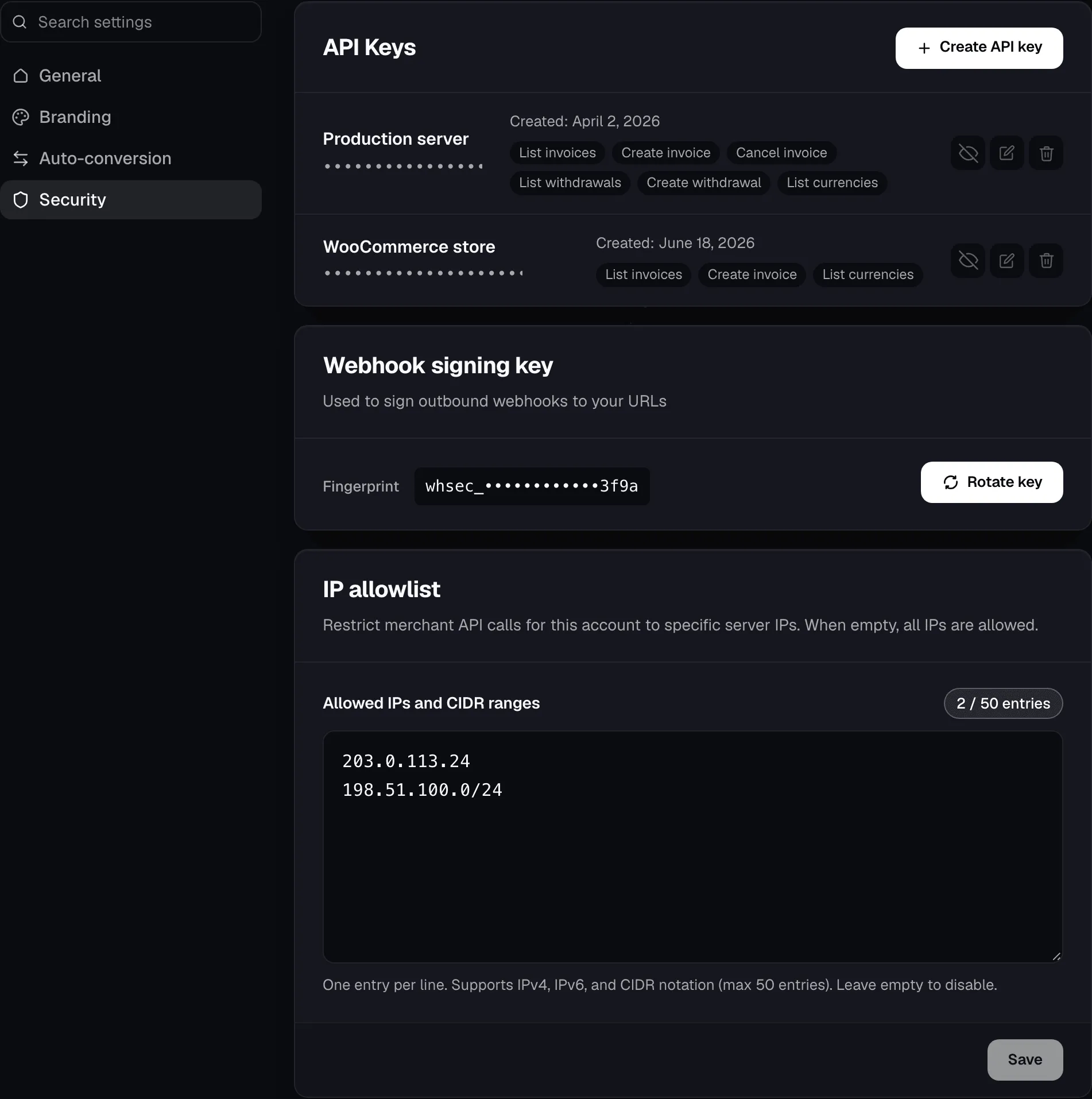
Store both secrets in your server environment:
CRYPTONLY_API_KEY=your_sandbox_api_keyCRYPTONLY_WEBHOOK_SECRET=your_webhook_signing_key2. Create an invoice
Section titled “2. Create an invoice”Send POST /invoice to the sandbox API at https://sandbox-api-merchant.cryptonly.net. orderId is your own reference and the idempotency key, so use a new value for each invoice.
curl -X POST https://sandbox-api-merchant.cryptonly.net/invoice \ -H "x-tenant-api-key: $CRYPTONLY_API_KEY" \ -H "Content-Type: application/json" \ -d '{ "amount": 25, "fiatCurrencyCode": "USD", "orderId": "order_1001", "description": "Order #1001", "webhookUrl": "https://your-server.example.com/webhooks/cryptonly" }'import { Cryptonly } from '@cryptonly/sdk';
const client = new Cryptonly({ apiKey: process.env.CRYPTONLY_API_KEY!, sandbox: true, // the SDK calls production by default});
const invoice = await client.invoice.create({ amount: 25, fiatCurrencyCode: 'USD', orderId: 'order_1001', description: 'Order #1001', webhookUrl: 'https://your-server.example.com/webhooks/cryptonly',});
console.log(invoice.paymentPageUrl);The invoice is created on the account the API key belongs to. The response is 201 Created with the invoice in created status. The field you need next is paymentPageUrl, the hosted checkout you send to your customer. See the OpenAPI reference for every request and response field.
You can leave out webhookUrl if you set a default invoice webhook URL under Settings → Integration.
3. Pay the invoice
Section titled “3. Pay the invoice”Open paymentPageUrl to see the checkout your customer will see. To complete the payment without testnet funds:
- In the sandbox dashboard, go to Accounts → History.
- Search for
order_1001and open the invoice. - Click Simulate payment.
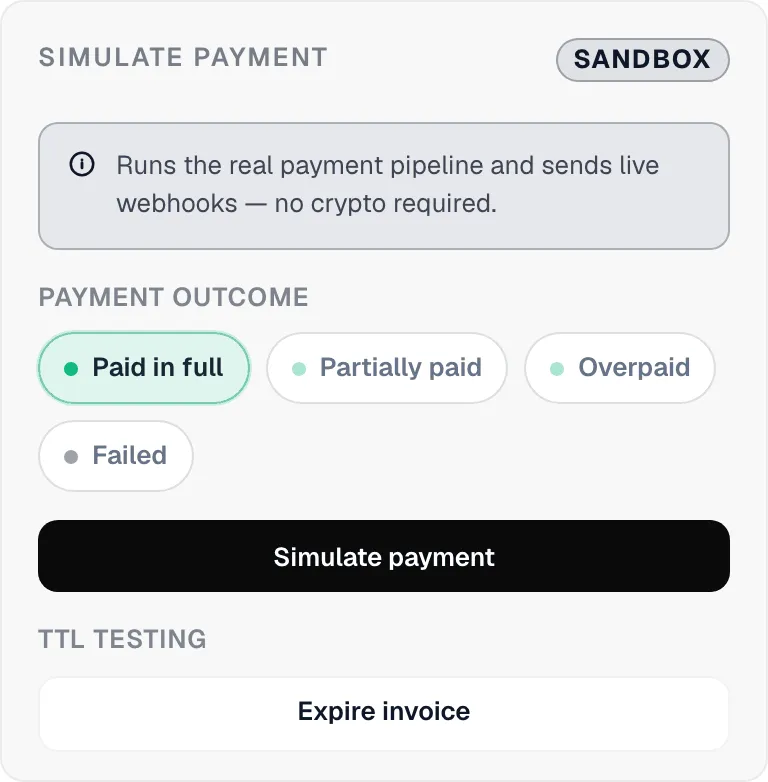
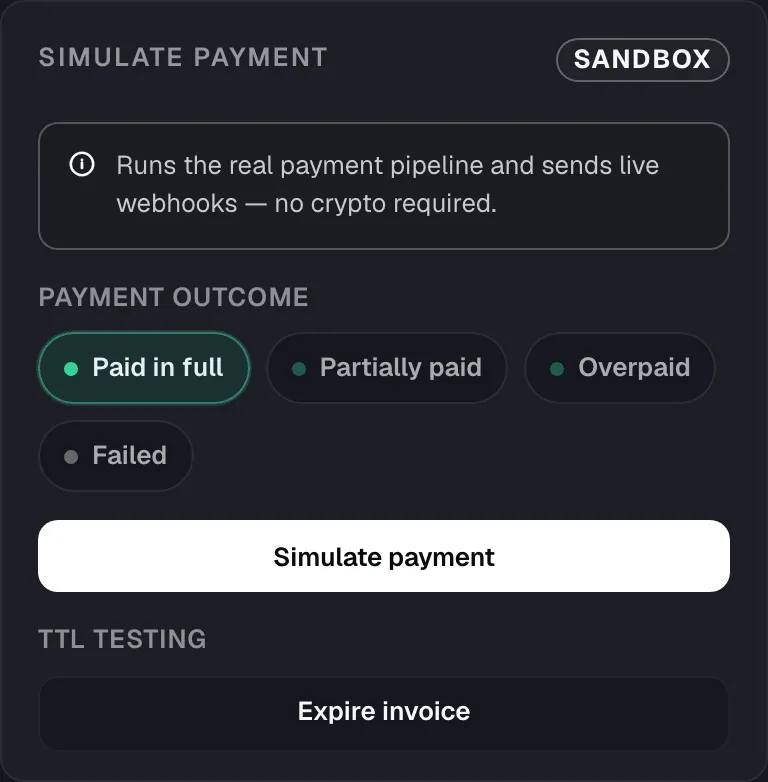
The invoice moves through processing to paid through the real settlement pipeline, and your balance is credited. To pay with real testnet coins instead, see Sandbox environment.
4. Receive the webhook
Section titled “4. Receive the webhook”Cryptonly sends invoice.statusChanged to your webhookUrl on every status change: first created, then processing, then paid. Verify the x-webhook-signature header against the raw request body before trusting it:
import express from 'express';import { verifyInvoiceWebhook } from '@cryptonly/sdk';
const app = express();
app.post(  '/webhooks/cryptonly',  express.raw({ type: 'application/json' }),  (req, res) => {    const signature = req.header('x-webhook-signature');    const result = verifyInvoiceWebhook(req.body, signature, process.env.CRYPTONLY_WEBHOOK_SECRET!);
    if (!result.ok) {      return res.status(401).end();    }
    const { data } = result.envelope;    if (data.status === 'paid') {      // Mark data.orderId as paid in your system.    }
    res.status(200).end();  },);
Respond with any 2xx status quickly. Failed deliveries are retried for several days. See Webhooks for payloads and examples in Python, Go, PHP, and Java.
Go live
Section titled “Go live”When everything works in the sandbox, switch to production:
- Use the production dashboard at merchant.cryptonly.net and create a new API key and signing key there. Sandbox credentials don’t work in production.
- Change the API base URL to
https://api-merchant.cryptonly.net. With the SDK, removesandbox: true. - Run through the webhook security checklist.