

Withdrawals
A withdrawal pays funds out of a merchant balance to an external wallet. You create it through the API or the Cryptonly Merchant Dashboard.
Through the API, request a quote (POST /withdrawal/quote), then commit it (POST /withdrawal/commit). Commit debits your balance and Cryptonly sends the transfer on-chain.
Withdrawal amounts are set by you in crypto, along with the destination wallet address. The network fee from the quote is debited together with the amount.
In the dashboard, go to Accounts and click Withdraw.
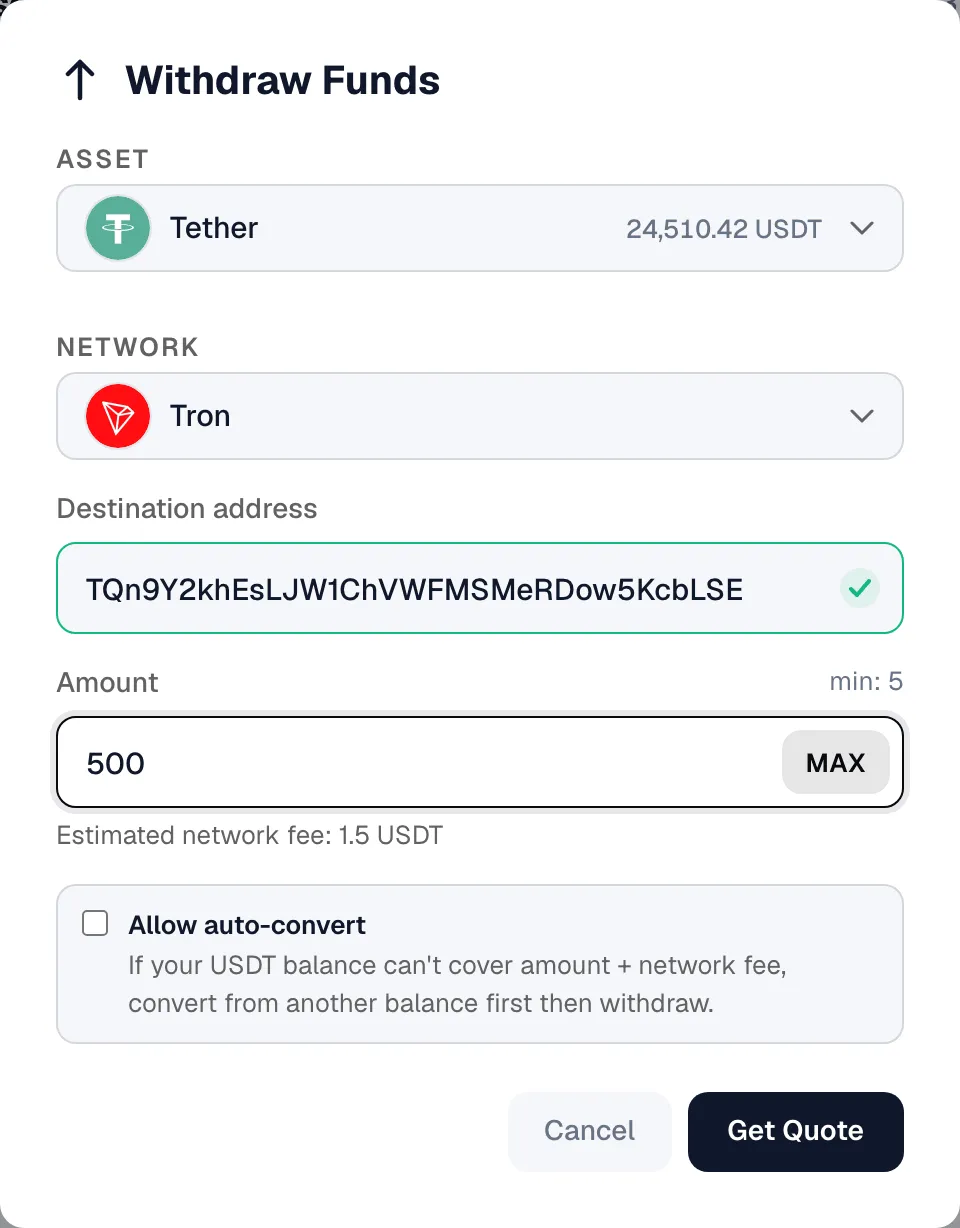
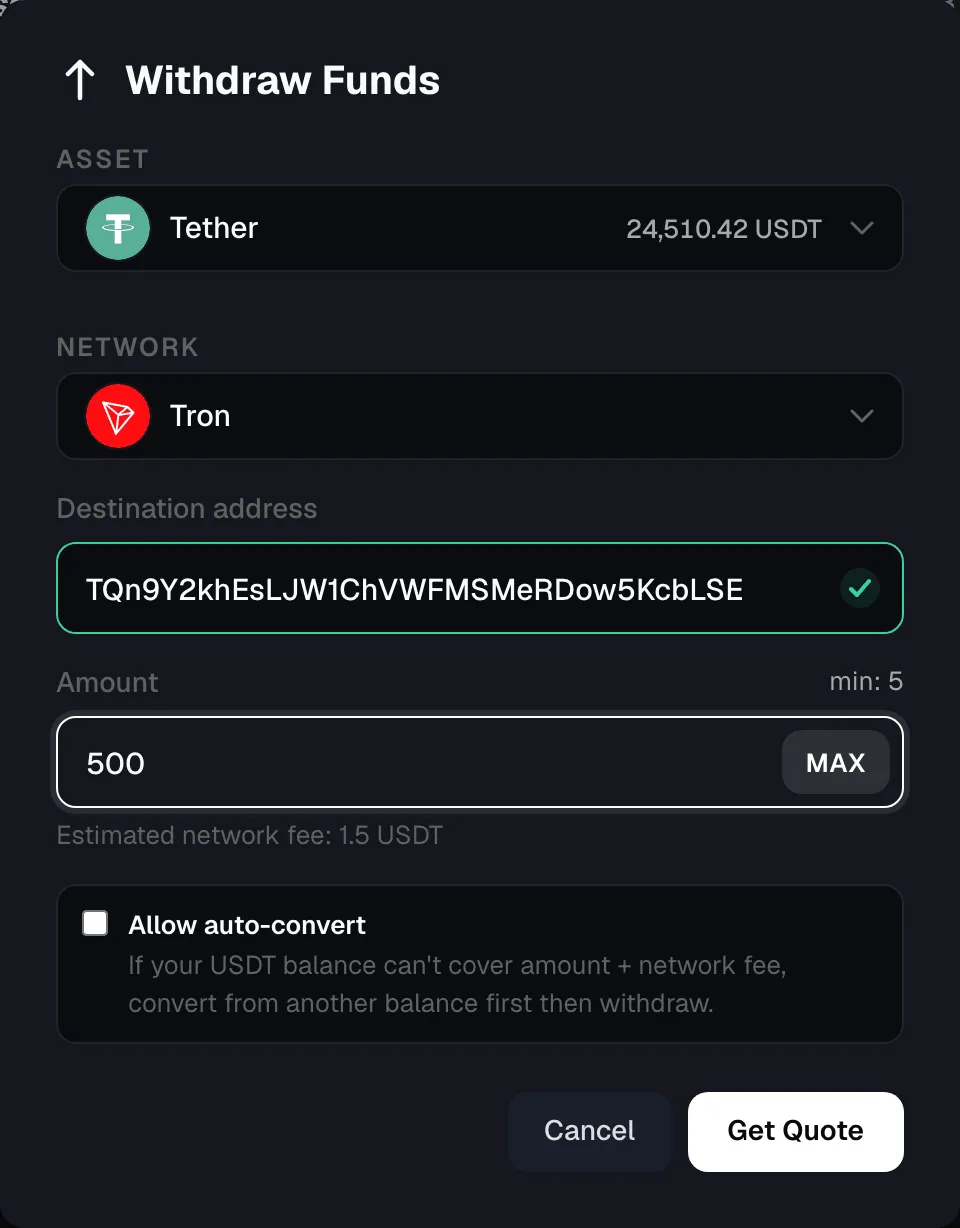
Quote and commit
Section titled “Quote and commit”- Quote returns a fee estimate and a short-lived
quoteId. SetallowAutoConvert: trueto cover a shortfall from other balances — see Auto-converting. - Commit creates the withdrawal in
createdand debits the amount plus the network fee. orderIdon the quote is the idempotency key. Reuse it when retrying the quote, then commit once you have aquoteId.
How status and webhooks work
Section titled “How status and webhooks work”Cryptonly sends a signed withdrawal.statusChanged webhook on every status change after commit:
- The commit response returns
created, with the balance already debited. The first webhook usually arrives when the withdrawal moves toprocessing. - From
processing, the withdrawal finishes ascompletedorfailed. Onfailed, the debited balance is returned.
See Withdrawal statuses for the full status table.
Related pages
Section titled “Related pages”Processing lifecycleFull step-by-step flow
StatusesStatus table and integration notes
Webhookswithdrawal.statusChanged verification and payloads
Auto-convertingCover a shortfall from other balances