

Invoices
An invoice is a fiat-priced payment request. You create it through the API or admin panel; Cryptonly returns a hosted payment page URL (paymentPageUrl) that you send to the customer.
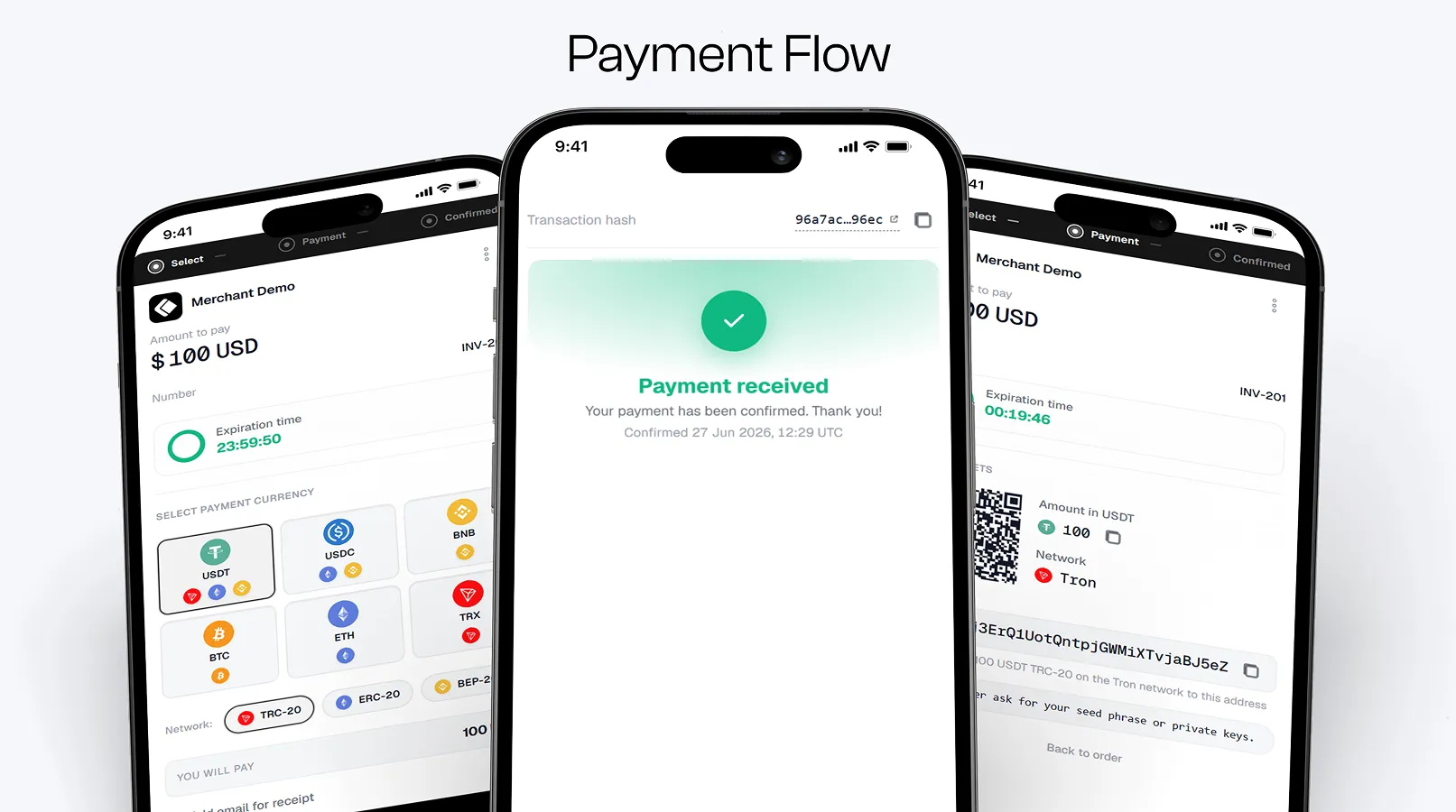
The customer opens the payment page, picks a cryptocurrency, and pays to a unique deposit address assigned for that attempt only. Cryptonly monitors the blockchain, runs compliance checks, and settles the payment into your merchant balance.
Invoice amounts are always expressed in fiat (for example USD or EUR). The crypto amount is calculated at checkout from live rates when the customer selects a currency.
Amount and line items
Section titled “Amount and line items”Provide at least one of amount or items when creating an invoice. You can send both.
- If a positive
amountis sent, it is always the charged total — even whenitemsare also sent. - If
amountis omitted, the total is computed as the sum ofcost × quantityacrossitems. - Line items are stored and shown on the hosted payment page regardless of how the total was set. They do not change the charged amount when
amountis present.
How status and webhooks work
Section titled “How status and webhooks work”Invoices have statuses. Cryptonly sends a signed invoice.statusChanged webhook when the invoice status changes.
Important behaviors for integrators:
- On create, the invoice starts in
createdand you receive one webhook with statuscreated. - When the customer selects a currency and a deposit address is generated, the invoice stays
created— there is no extra status and no secondcreatedwebhook. If the customer switches currency, the invoice still stayscreated. - When an on-chain transaction is first detected, the invoice moves to
processing, then to a settled status (paid,partially_paid, oroverpaid) or tosuspended(compliance review) orfailed. - An invoice that ends in
expiredorcancelledwithout payment is closed. Anexpiredinvoice can still move toprocessingif a payment reaches its deposit address within 4 hours — see Late payments.
Linked deposits do not send deposit.statusChanged webhooks. Listen for invoice.statusChanged for checkout payments.