

Your own wallet
Base and Solana. Payments go straight to you, and Cryptonly never holds the money. Fees come from prepaid x402 credits.
Payments go to one of two places. You choose for each network under Settings → Payouts.
Your own wallet
Base and Solana. Payments go straight to you, and Cryptonly never holds the money. Fees come from prepaid x402 credits.
Your Cryptonly balance
Base only. Payments are added to your balance, where you can convert or withdraw them. The fee is taken from each payment.
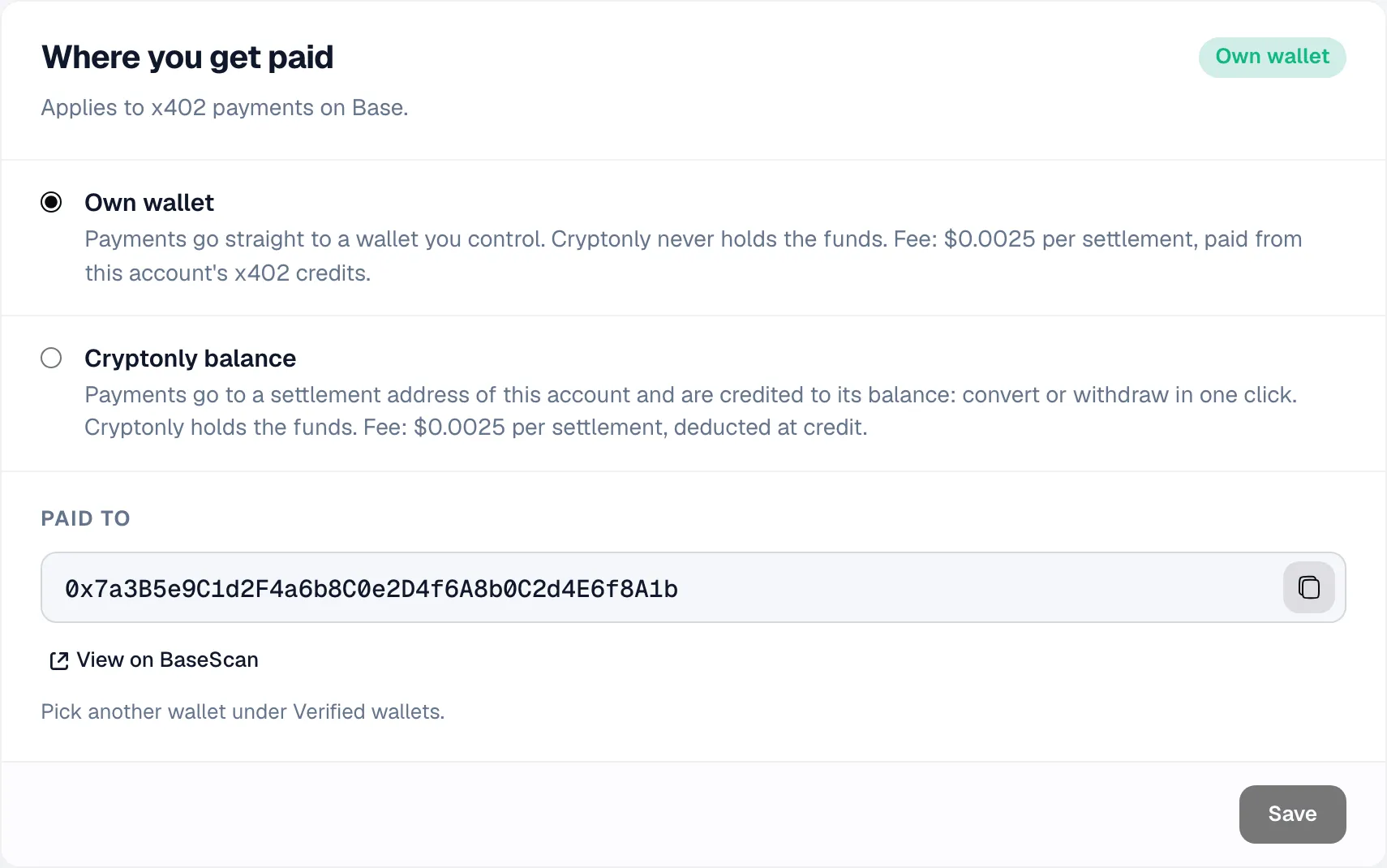
Click Verified wallets → Add wallet and sign a message to prove the wallet is yours. Browser wallets and Safe multisigs both work. With several wallets, click Use as payTo on the one that should get paid.
Cryptonly only pays wallets you added. A payment to any other address fails with pay_to_rejected.
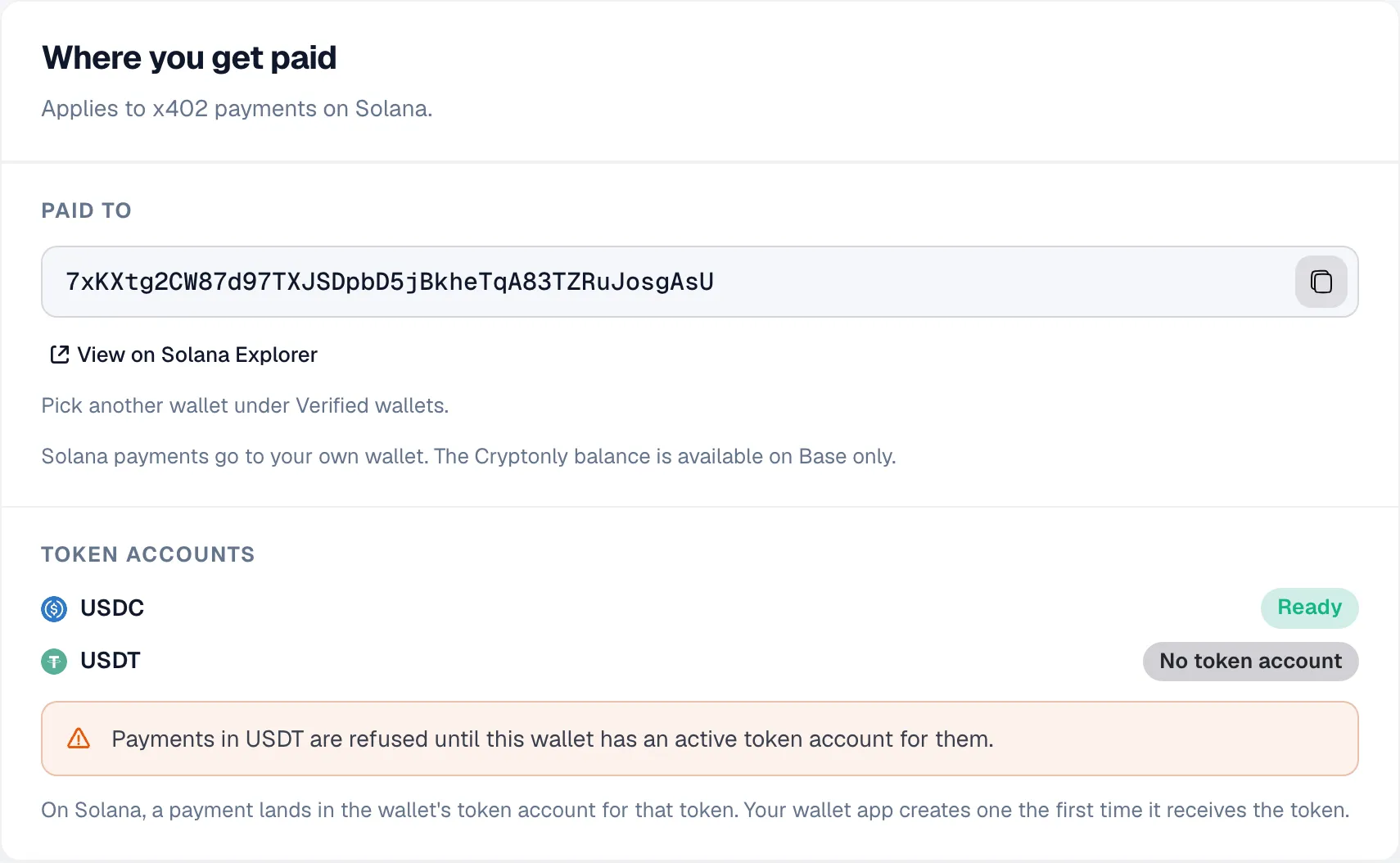
Any wallet that signs messages works, such as Phantom or Solflare.
On Solana, a wallet needs a token account for each token before it can receive it. A wallet that has ever held USDC or USDT already has one. Otherwise, send it a small amount of the token once. Token accounts shows which tokens are ready, and payments in any other token are refused.
Select Cryptonly balance and save. Your account gets a settlement address on Base for buyers to pay. With prices in the dashboard, the middleware uses it automatically. With prices in code, set it as payTo in your routes.
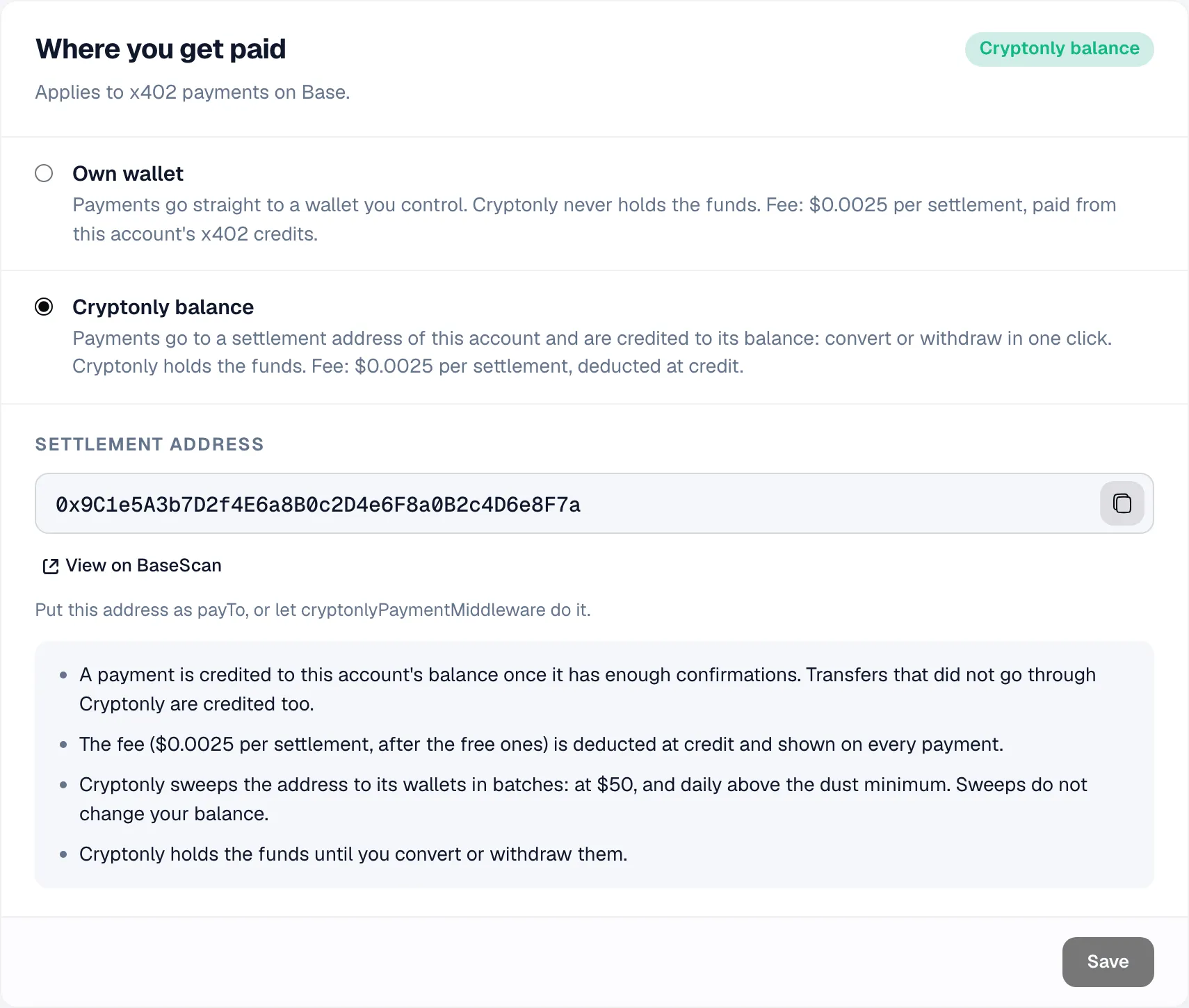
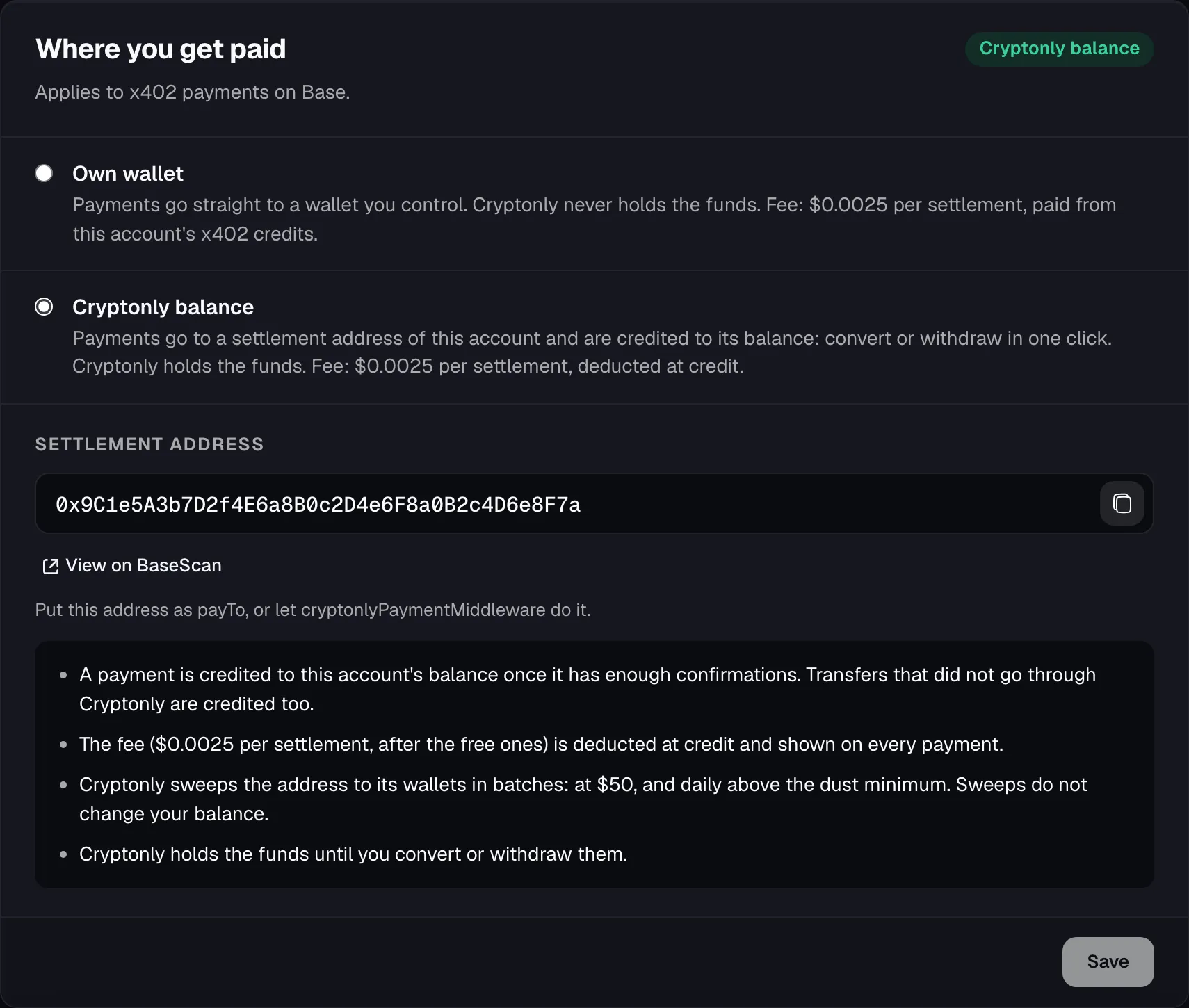
Each payment is added to your balance, minus the fee, after 10 Base blocks (about 20 seconds). Direct transfers to this address are added too, a few minutes after they confirm.
| Fee | |
|---|---|
| First 100 payments each month, across all your accounts | Free |
| After that, own wallet | $0.0025 per payment, from x402 credits |
| After that, Cryptonly balance | $0.0025 per payment, taken from the payment in the paid token |
| Failed and refused payments | Free |
| Sandbox | Free |
Credits are a prepaid USDC balance that pays the fees for own-wallet payments. One balance covers Base and Solana.
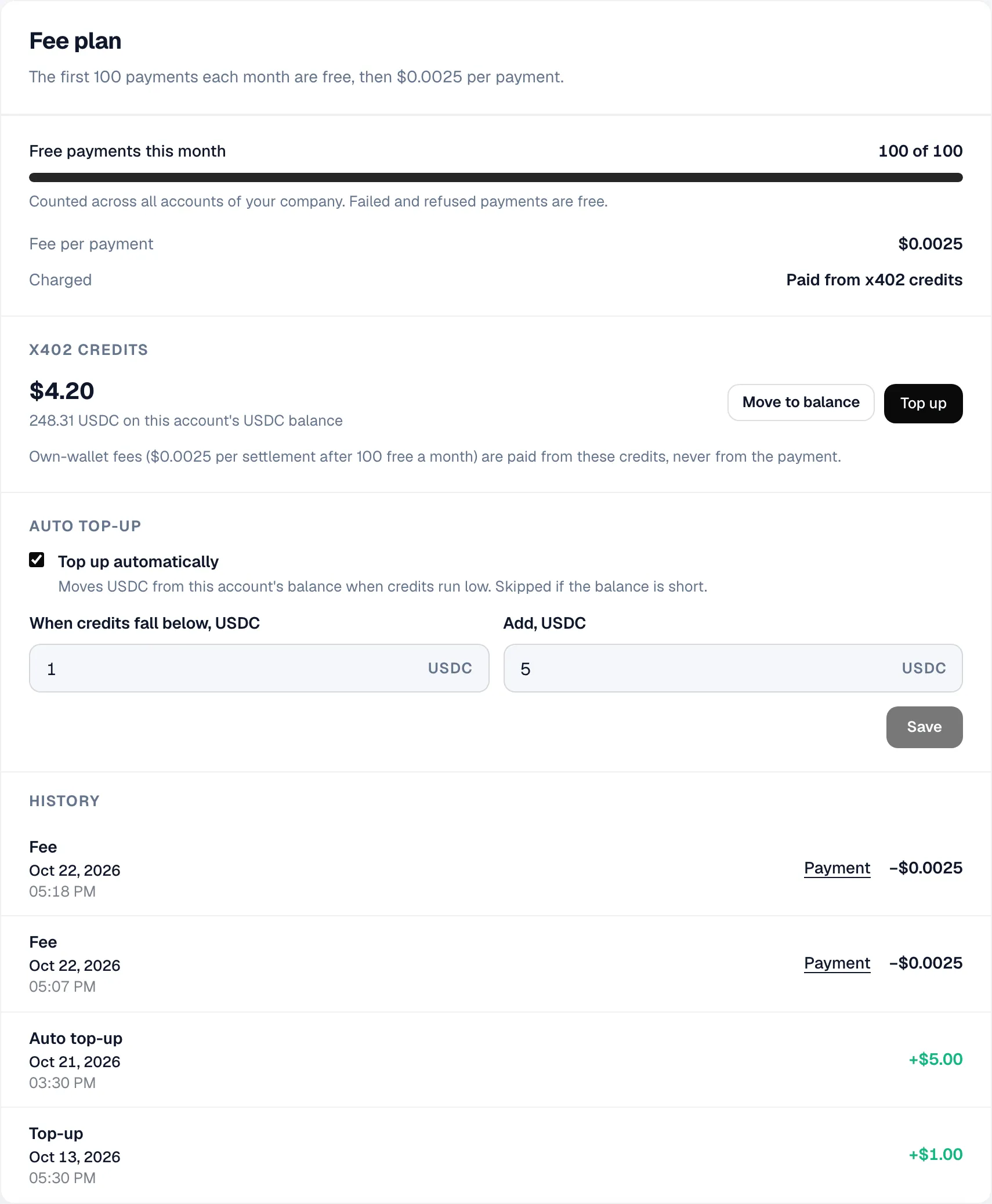
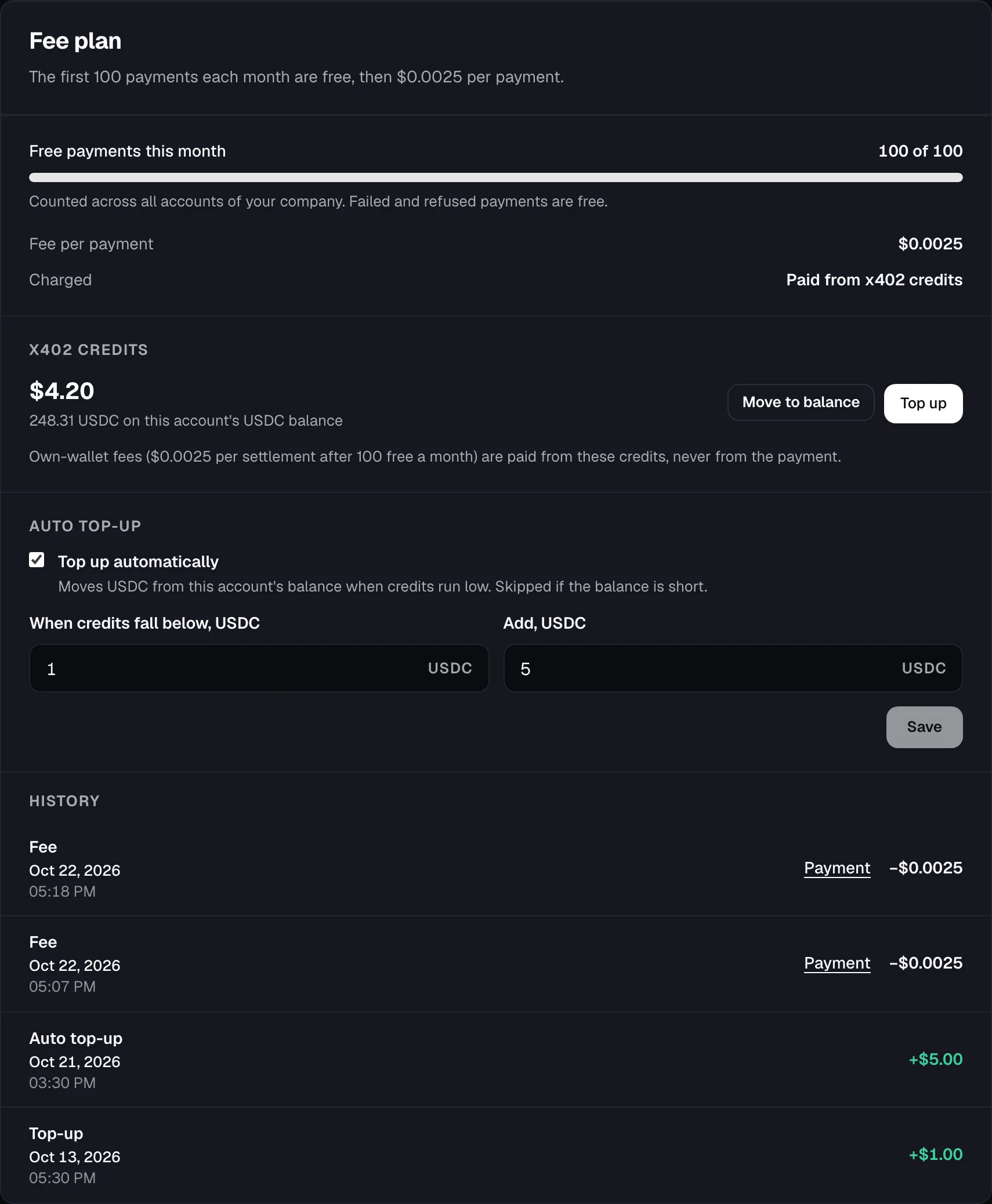
When credits run out, payments fail with fee_balance_insufficient. The dashboard warns you before that happens.